First Launch
Upon initial launch, several configuration steps are required to establish a basic setup.
Retrieve Your First API-Key
During the first startup (and only during the first startup), the cache generates an API-Key. This key is essential for authentication against the cache.
Retrieve this key by examining the cache logs using the following command:
foo@bar:~$ docker logs $(docker ps | grep iglu-cache | awk '{print $1}') | grep "Initial Key"

cache 2025-11-30T21:27:48.359Z INFO Initial Key for cache default: 019ad6aa-2d87-7000-aea3-e417b13229a5
In this example, the key is "019ad6aa-2d87-7000-aea3-e417b13229a5". Store this key securely, such as in a password manager.
Initial Login
When accessing the controller (as configured in the [Quick Start](./02-Quick start.md) guide: http://localhost:3001), you will be prompted for authentication credentials. The default values are:
- Username: admin
- Password: admin
Claiming the Default Cache
Since the Cache can operate as a standalone component, it creates a cache named "default" upon initialization. To manage this cache through the controller, you must claim it.
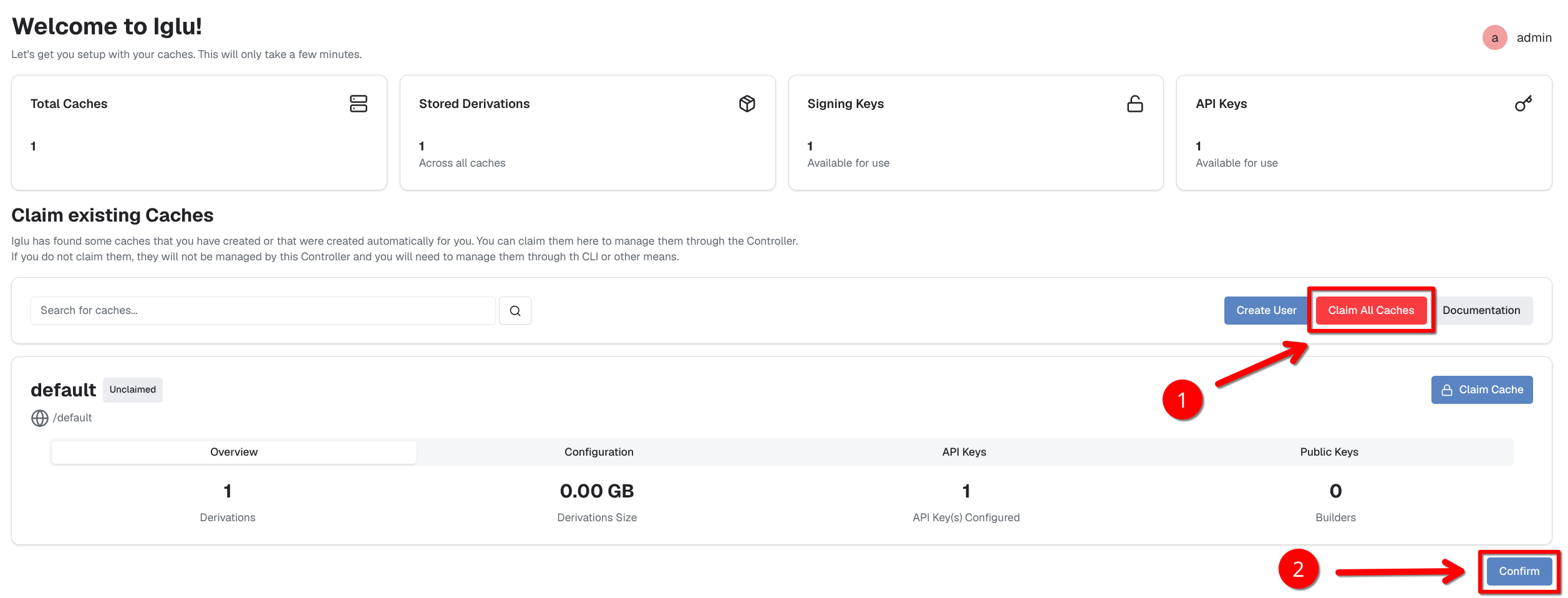
Changing the Default Password
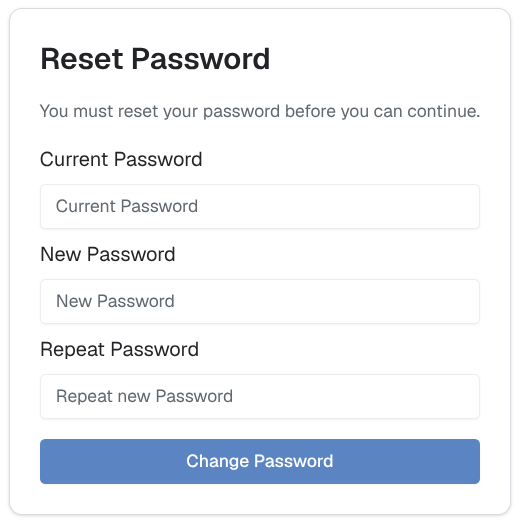
After claiming the caches, you will be redirected to the "Reset Password" page. Here, you must set a new password for the "admin" user.